Every vehicle, separately
Keep a log for each car or motorcycle, gasoline or electric.

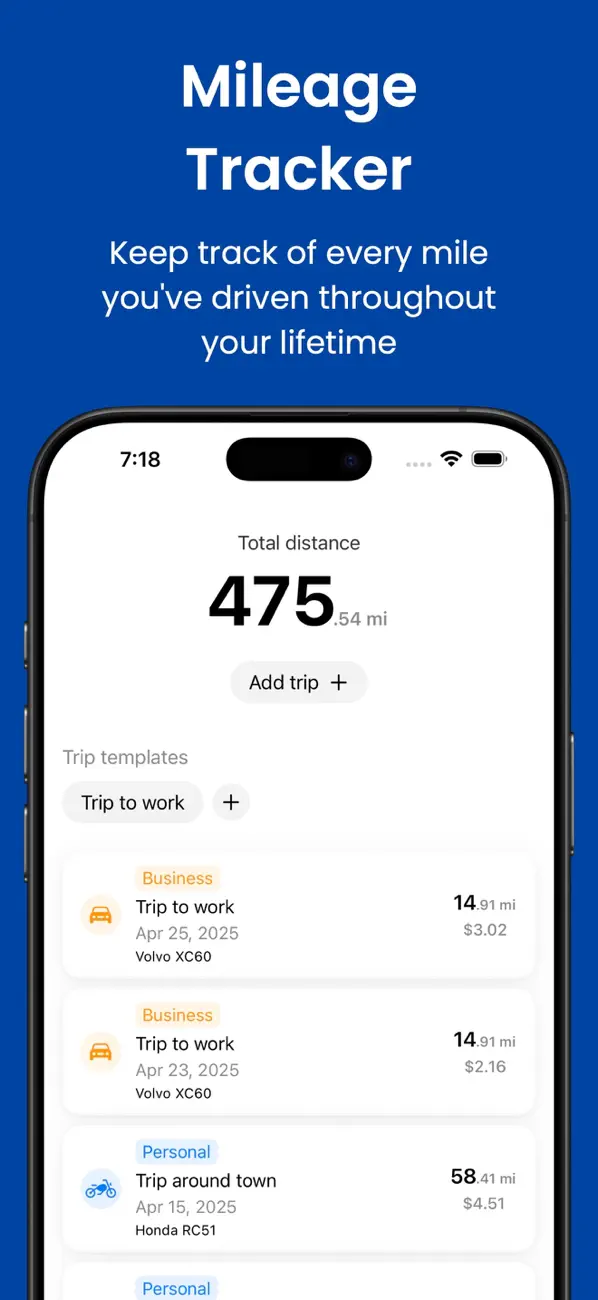
Add a trip in a few taps, mark it business or personal, and see what it cost. Only the trips you add end up in your log, so there’s nothing to clean up at the end of the month.

Features
Mileage Tracker is a mileage log for iPhone. You add each trip, mark it business or personal, and the app totals distance, fuel or energy use, and trip costs for every car, motorcycle, or EV. Your log syncs through iCloud, and the app never tracks your location in the background.
Keep a log for each car or motorcycle, gasoline or electric.
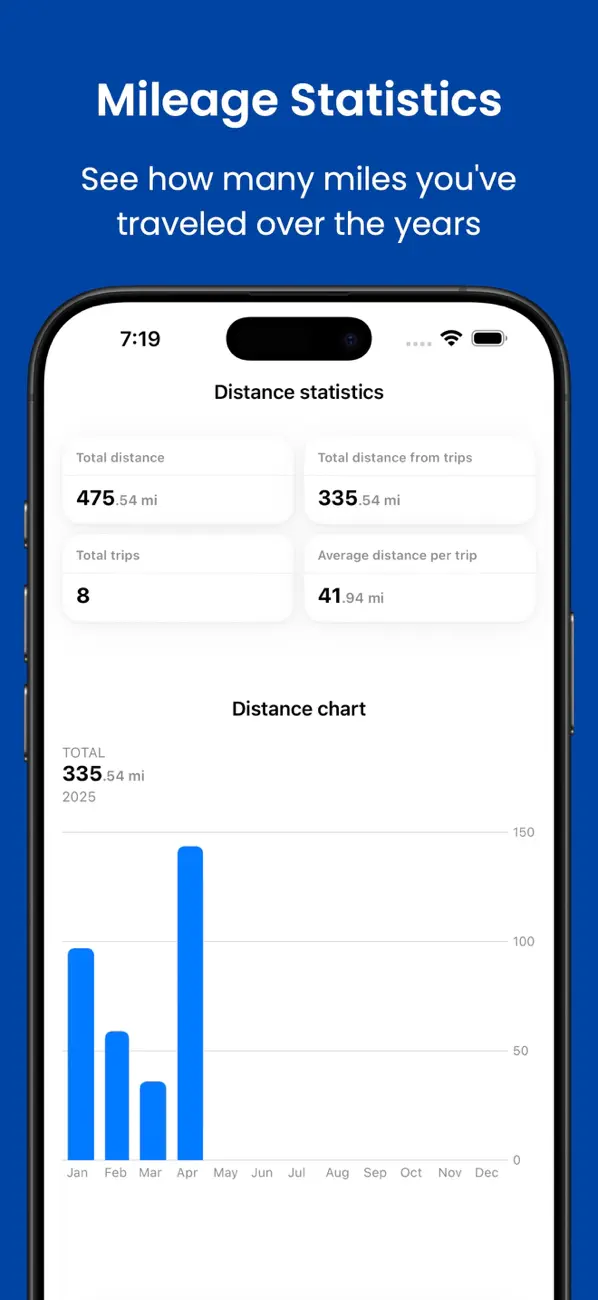
Tag each trip and see the totals for any period, or the whole life of the vehicle.
Save your commute, school run, or client visit and log it again in a couple of taps.
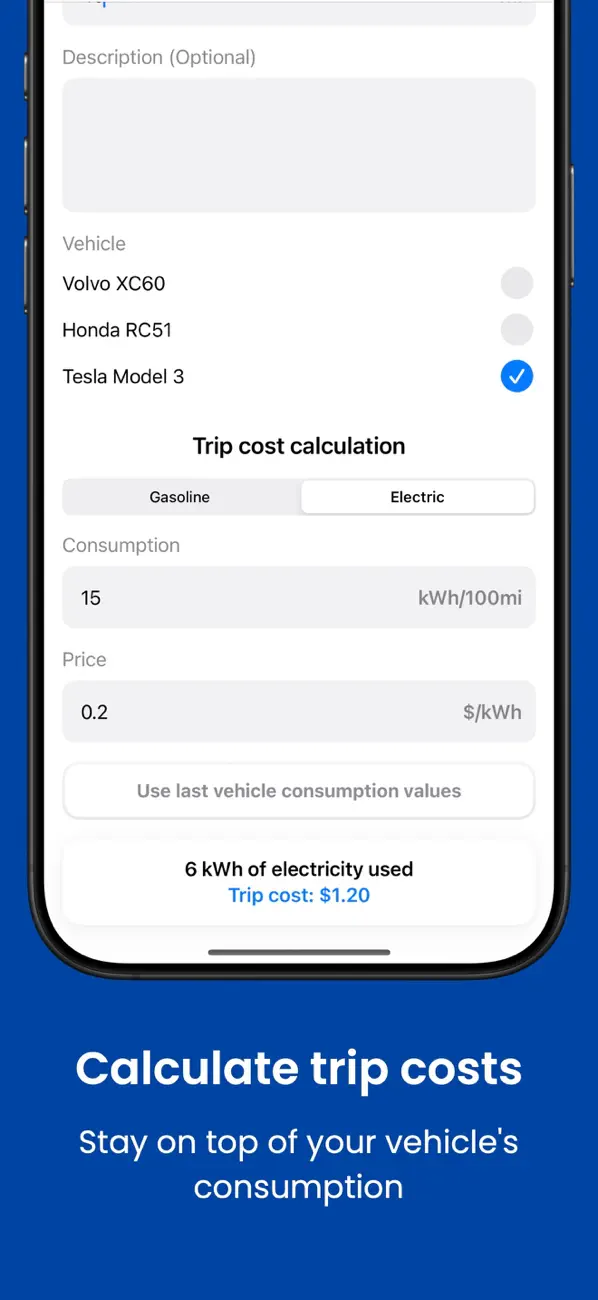
Work out what a journey cost from its distance, your consumption, and the price of fuel or electricity.
Follow consumption and efficiency over time for gasoline cars and EVs.
Trips, vehicles, templates, and statistics sync and back up with iCloud.
Mileage Tracker vs. automatic gps trackers
GPS trackers record the school run, the weekend trip, and the drive you forgot to pause. Then you spend an evening deleting them. With Mileage Tracker, your log holds exactly the trips you meant to keep.
| Mileage Tracker | Automatic GPS trackers | |
|---|---|---|
| What gets logged | Only the trips you add | Every drive it detects |
| Location access | Never in the background | Usually always on |
| Cleaning up the log | Nothing to delete | Personal drives to sort out |
| Trip cost and fuel use | Calculated for every trip | Often just distance |
How it works
Create a profile for each car, motorcycle, or EV you drive.
Enter the distance, mark it business or personal, or reuse a saved route.
See mileage, costs, and fuel use for any period or the whole life of the vehicle.
Yes. Mileage Tracker is free to download from the App Store. Some features require a subscription or a one-time purchase for lifetime access.
Pick the vehicle, enter the distance, and mark the trip as business or personal. For a route you drive often, reuse a saved template. Only the trips you add are recorded.
Yes. Each trip can be marked as business or personal, and totals for any period are split the same way.
You can add multiple cars or motorcycles, including gasoline and electric vehicles.
Yes. Your trips, vehicles, templates, and statistics sync and back up through iCloud.
Keep reading
Guide
Set up reusable trip templates for commutes, client visits, school runs, and other routes while keeping each journey accurate.
Read postComparison
MileIQ Unlimited now costs $139.92 a year. Here are four MileIQ alternatives for iPhone, what each one is best at, and how to choose between them.
Read postComparison
Compare manual mileage logs with automatic trip tracking. Choose by your logging habits, location preferences, and the record you need to keep.
Read post Free to download on the App Store.
Our collection


