Sized to your egg
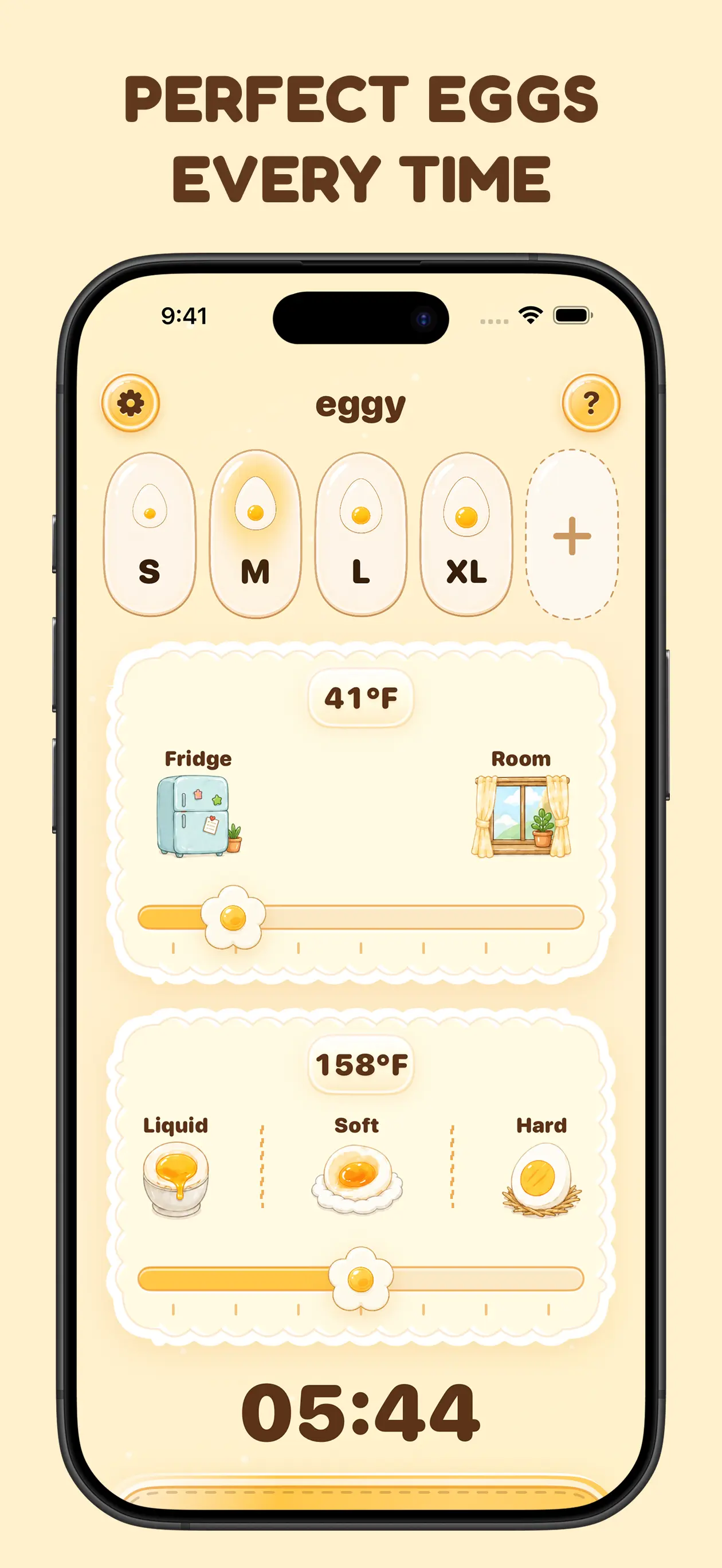
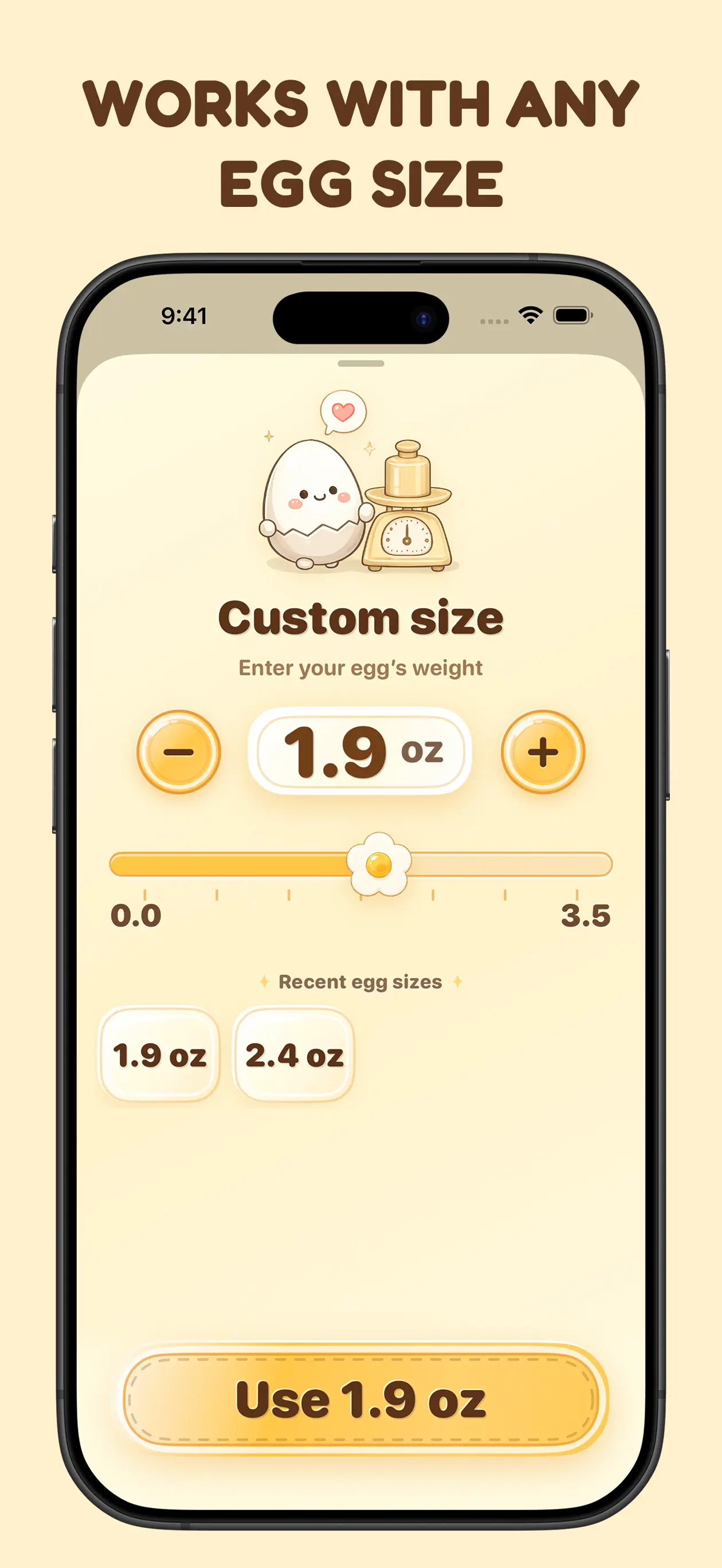
Pick S, M, L, or XL from the carton, or enter the exact weight in grams or ounces.

Six minutes works for one egg and ruins the next. Egg Timer times the egg you’re actually cooking, by its size and how cold it is, so breakfast comes out runny, jammy, or firm the way you wanted.

Features
Egg Timer is an iPhone and Apple Watch app for timing boiled chicken eggs. It calculates cooking time from the egg’s carton size or exact weight, its starting temperature, and the yolk you want: liquid, soft, or firm.
Pick S, M, L, or XL from the carton, or enter the exact weight in grams or ounces.
Set where the egg starts and the timer adds the extra time a cold egg needs.
Choose the yolk you want and get a boil time worked out for it.
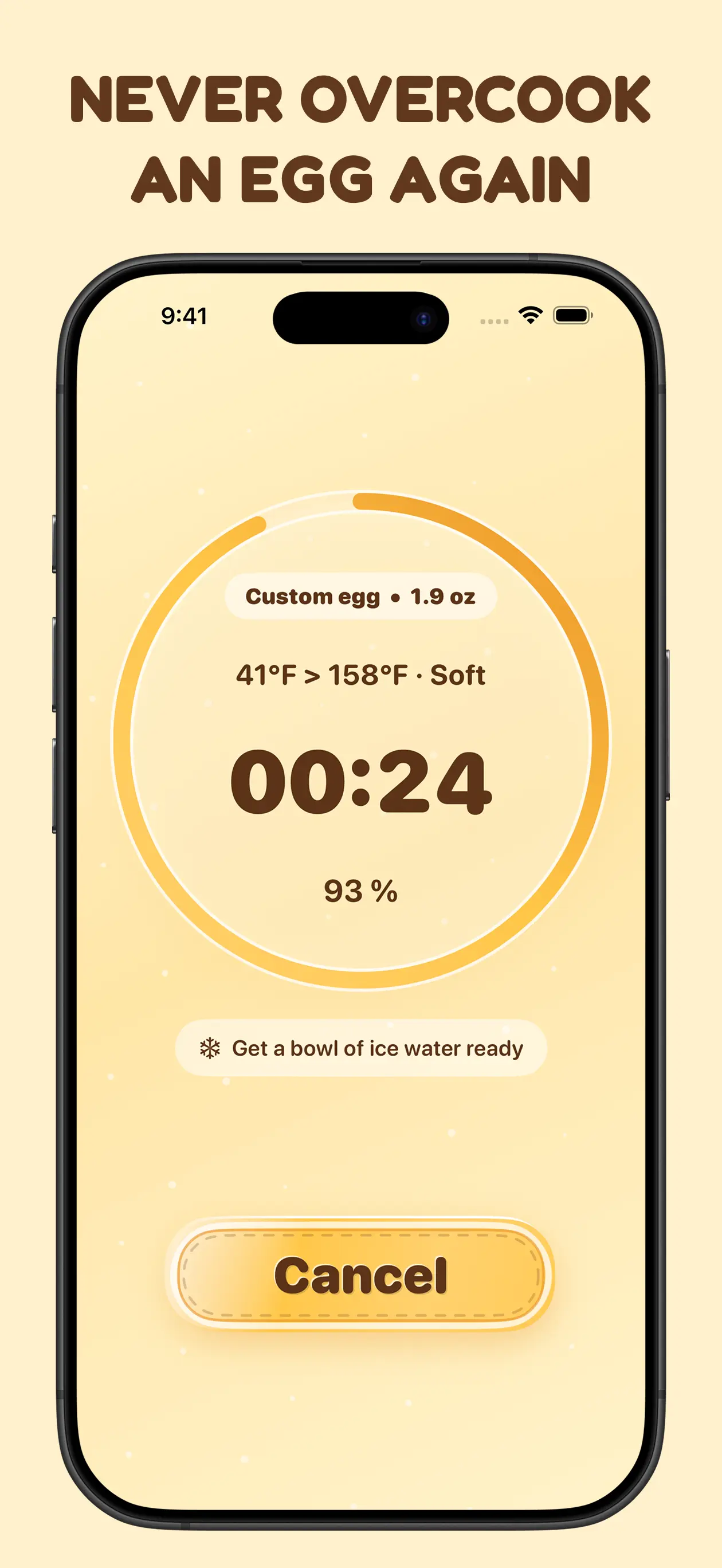
A six-step guide takes you from boiling water to the cold-water finish, with an alarm when time is up.
Keep the countdown on your Lock Screen and start again from the Home Screen.
Start a timer from your wrist, or ask Siri to start one with your latest settings.
Egg Timer vs. a fixed-time recipe
Most egg timings quietly assume a medium egg at room temperature. A large egg straight from the fridge needs longer, and that’s where a runny yolk turns chalky or a soft one stays raw. Egg Timer asks first, then times it.
| Egg Timer | A fixed-time recipe | |
|---|---|---|
| Egg size | Carton size or exact weight | Assumes one size |
| Fridge-cold eggs | Taken into account | Ignored |
| Yolk | Runny, soft, or firm | Whatever the recipe aimed for |
| Hands-free | Live Activity, Siri, and Apple Watch | A kitchen timer |
How it works
Choose its size and whether it’s fridge-cold or room temperature.
Liquid, soft, or firm, whatever you’re in the mood for.
Lower the egg into boiling water and tap Start. Egg Timer tells you when to move it to cold water.
Yes. Egg Timer is free to download from the App Store. Some features require a subscription or a one-time purchase for lifetime access.
Egg Timer uses the egg’s carton size or exact weight, its starting temperature, and the yolk texture you choose, then counts down and alerts you when the egg is ready.
You can choose a liquid, soft, or firm yolk.
Yes. Choose your settings and start the timer from your wrist.
Yes. Start a timer with Siri or Shortcuts using your latest settings, and follow it in a Live Activity.
Keep reading
Guide
How long to boil an egg for a runny, jammy, or hard yolk. Exact times for small to extra large eggs, straight from the fridge or at room temperature.
Read postGuide
Stop a boiled egg from firming further after the timer. Prepare cold water first, cool promptly, and change one part of your method on the next attempt.
Read postGuide
Use a known duration in Apple Watch Timers or calculate one from egg size, temperature, and yolk preference. Start the countdown at the same cooking step.
Read post Free to download on the App Store.
Our collection


