Guide
How to Use an Egg Timer on Apple Watch
Use a known duration in Apple Watch Timers or calculate one from egg size, temperature, and yolk preference. Start the countdown at the same cooking step.
Updated 2 min read

Egg Timer is free to download.

Short answer
If you already know the time, ask Siri on Apple Watch to start a named timer. If you want a time based on egg size, temperature, and yolk preference, set those details in a compatible egg timer app and start its watch action.
With the phone across the kitchen, a timer on your wrist is easier to check. Apple Watch’s built-in Timers works when you already know the duration. An egg app helps when you want the duration calculated from the egg you are cooking.
Known time or calculated time?
| Option | What you supply | Best for |
|---|---|---|
| Apple Watch Timers | A duration you already trust | Repeating your usual kitchen method |
| Egg Timer | Size, temperature, and yolk preference | Adjusting for a different egg |
Use Siri for a known time
For a duration you already use, ask Siri to start a named timer or enter the duration in the watch’s Timers app. A label helps distinguish the egg timer from other kitchen timers.
Check the screen for the countdown and make sure the request did not go to another nearby Apple device.
Apple documents creating and labeling watch timers. Confirm the countdown on the screen before putting the phone away.
Use an app for calculated timing
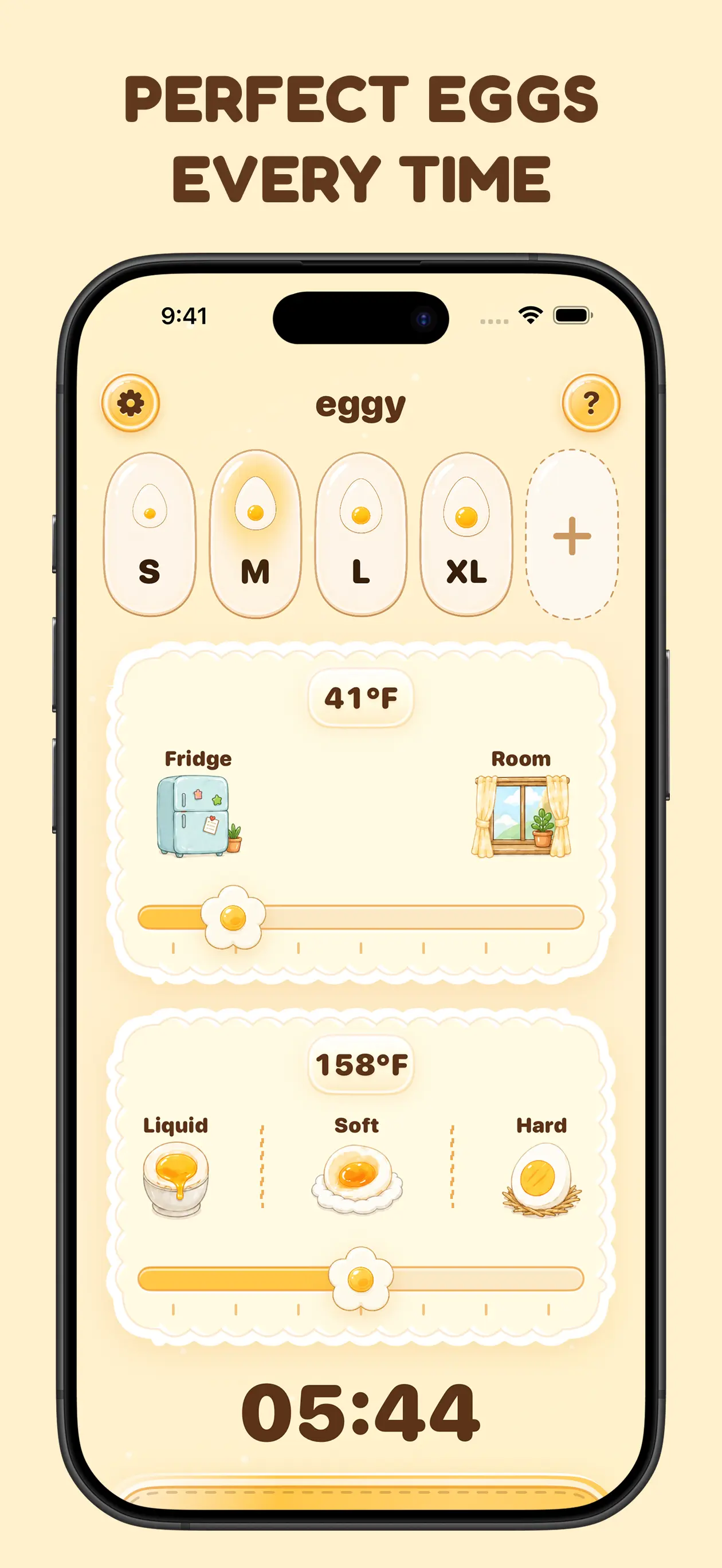
A dedicated egg app can calculate a starting duration from the egg details. Enter size or weight, starting temperature, and yolk texture using its supported controls, then confirm the calculated countdown.
The calculation is a starting point. It cannot account for every pot, stove, altitude, or batch size.
Stay within reach of the cooking
A watch timer frees your hands, not your attention. Keep the pot safely managed and prepare cold water before the alert.
When the timer ends, move the egg promptly so carryover heat does not keep firming the yolk.
Start Egg Timer from your wrist
Egg Timer supports Apple Watch, Siri, widgets, and Live Activities after calculating a countdown from the egg details you enter.
Related reading: Does Egg Size Change Boiling Time? · Fridge-Cold vs Room-Temperature Eggs for Boiling · Why a Boiled Egg Keeps Cooking After the Timer.