Guide
How to Use Mileage Log Templates for Recurring Trips
Set up reusable trip templates for commutes, client visits, school runs, and other routes while keeping each journey accurate.
Updated 2 min read

Mileage Tracker is free to download.

Short answer
Create a template with the route details that stay the same, then review the date, distance, vehicle, and purpose each time you use it. A template saves typing, but every saved trip should still match the journey you actually drove.
Typing the same client route every week adds work without adding much information. A reusable template can hold the familiar details. The date, actual distance, vehicle, and purpose still need to match today’s journey.
A recurring trip still needs a fresh check
| Detail | Typical starting point | Review on each use |
|---|---|---|
| Route | Office to client | Did the start or destination change? |
| Distance | Your usual route length | Was there a detour? |
| Vehicle | Your regular car | Did you drive another vehicle? |
| Category | Business or personal | What was this particular trip for? |
Imagine that a familiar client route is normally 24 km. Roadworks make today’s drive 29 km. Reusing the template is still useful, but save the actual 29 km for this trip. Leaving the normal value would make the record less accurate each time the detour repeats.
Put stable details in the template
Use a name you will recognize quickly. Add the normal distance and category if the app supports them.
Keep the purpose specific enough for your record-keeping needs. “Tuesday office” may be clear personally but too vague for another process.
Review every reused trip
Confirm the correct vehicle and date before saving. Update the distance when the actual route differed.
Do not create future entries in bulk unless your process allows planned records and you later verify that each trip happened.
Retire templates that no longer match
Routes and responsibilities change. Rename, update, or stop using a template when it creates more correction than convenience.
A shorter list of current templates is quicker to scan and less likely to produce the wrong entry.
Save recurring trips in Mileage Tracker
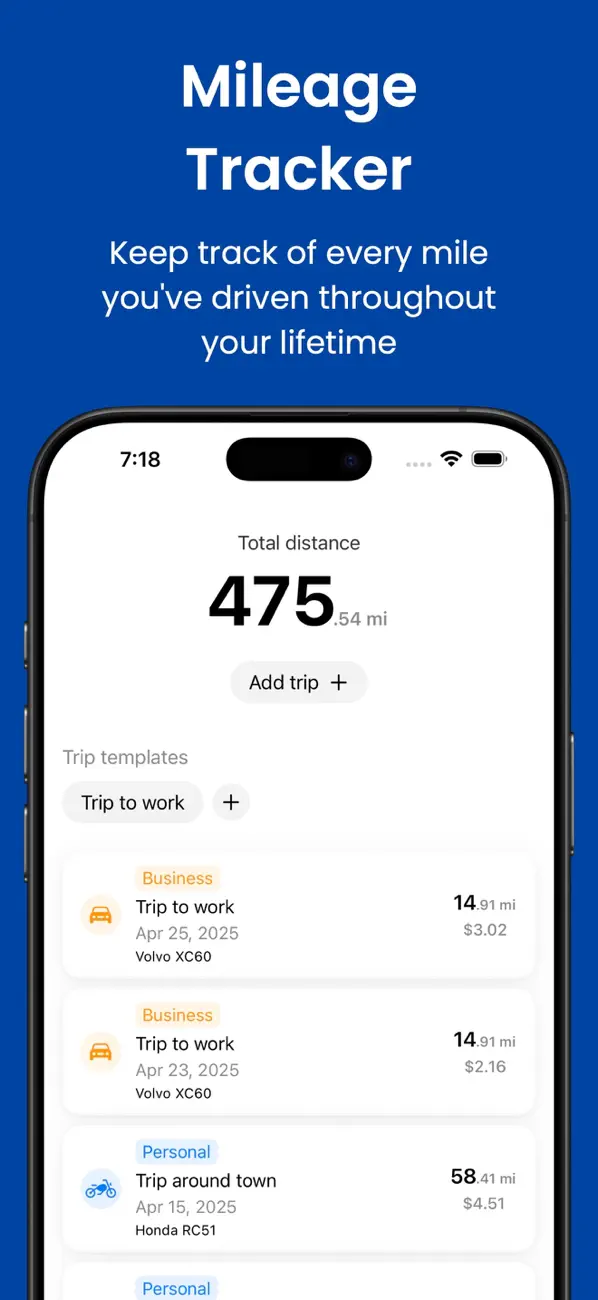
Mileage Tracker lets you create templates for familiar journeys, then assign each saved trip to the right vehicle and category.
Related reading: Manual vs Automatic Mileage Trackers · How to Calculate Fuel Cost for One Trip · Gas vs Electric Vehicle Mileage Logs.