Guide
How to Export Body Measurements to CSV
Export a body measurement history to CSV, check the fields, and keep a portable copy for spreadsheets or personal records.
Updated 2 min read

Body Measurements Tracker is free to download.

Short answer
Use the app export option to create a CSV file, save or share it through the system sheet, then open a copy in your spreadsheet tool. Check dates, units, decimal separators, and column names before sorting or charting the data.
A measurement history becomes more useful outside the app when every value keeps its date and unit. CSV gives you a plain table to open in a spreadsheet. Inspect that table before making charts, calculations, or a copy to share.
Check the four exported fields
Body Measurements Tracker exports measurement names, dates, values, and units. These are the fields to inspect before you make a chart or send the file to someone else.
| Field | Check after opening |
|---|---|
| Measurement name | Left and right entries stay distinguishable |
| Date | The spreadsheet reads it as a date |
| Value | Decimals appear as numbers |
| Unit | Centimetres, inches, kilograms, or pounds are explicit |
Keep a raw copy and work on a duplicate. If the spreadsheet reformats a date or drops trailing zeros, you can compare it with the original. Sort the entire table together so a value stays beside its own date and measurement name.
Create and store the export
Use the app’s CSV export and save the resulting file to a location you can find again. Keep an untouched copy before editing.
Use a filename that includes the export date. That makes it easier to distinguish snapshots if you create another file later.
Check the spreadsheet import
Confirm that dates appear in the expected order and numeric values are not treated as text. Regional decimal and date formats can affect automatic import.
Keep the units attached to the measurement name or documented elsewhere. A bare number is easy to misread months later.
Treat the file as personal data
Body measurements are sensitive personal information. Store the file somewhere appropriate for your privacy needs and review recipients before sharing it.
Deleting an exported file does not delete the entries in the app, and editing the CSV does not change the app history.
Export your Body Measurements Tracker history
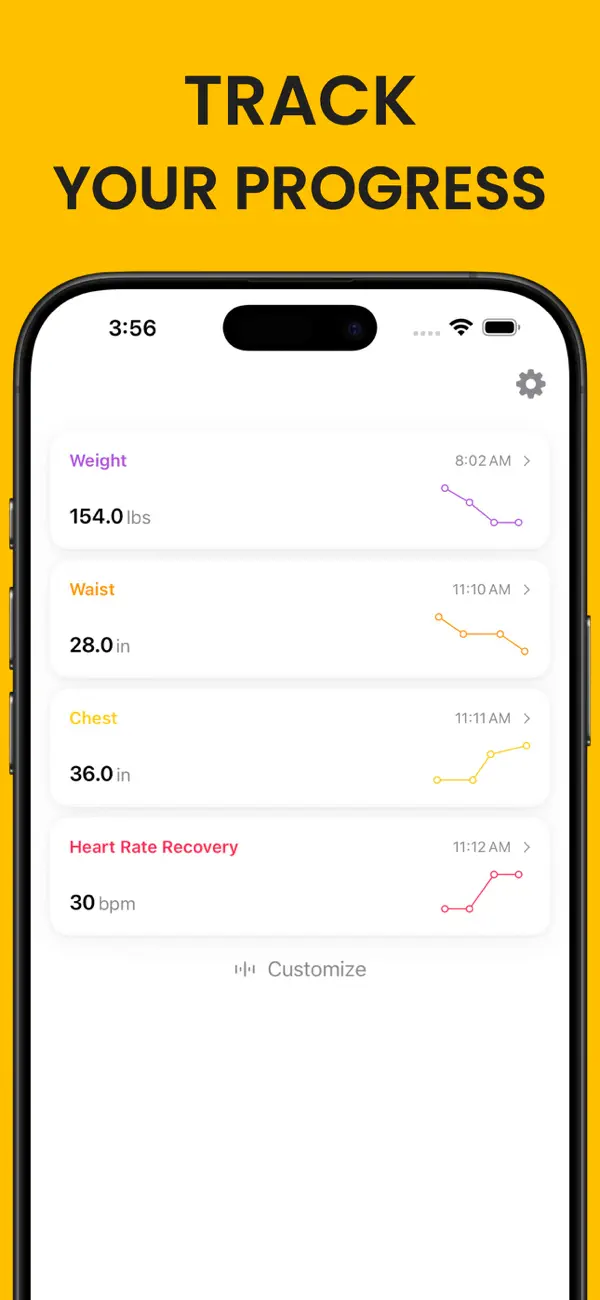
Body Measurements Tracker can export measurement entries to CSV so you can keep a portable copy or work with the values elsewhere.
Related reading: How to Make a Body Measurement Tracking Schedule · Body Measurement Chart vs Scale Weight · Custom Body Measurements You May Want to Track.