Guide
How to Make a Body Measurement Tracking Schedule
Build a repeatable body measurement schedule. Choose an interval, record your tape placement, and compare several entries over the same period.
Updated 2 min read

Body Measurements Tracker is free to download.

Short answer
A useful schedule is frequent enough to maintain the habit but spaced far enough apart that small technique differences do not dominate the chart. The right interval depends on why you are measuring. Write down the method, use the same units, and review the longer trend instead of reacting to every entry.
A waist entry from one month and a chest entry from another are hard to compare. A small, repeatable schedule helps keep dates and methods together. Choose the measurements you actually want to revisit before adding reminders to your own calendar.
An example monthly routine
| When | Action |
|---|---|
| First session | Choose measurements, units, and a written method |
| Each planned check-in | Repeat the method and record the date |
| At the end of the month | Compare the same date range across measurements |
Keep your method notes somewhere you can consult them at the next session. Include where you place the tape, which side you measure, and whether the measurement is over clothing. You don’t need to add every available body part to the routine.
Choose an interval you can keep
Weekly, every two weeks, or monthly are possible diary intervals. Choose the one that fits your purpose and that you can repeat. These are examples of a record-keeping routine, rather than a medical schedule.
Avoid changing the schedule just because one reading surprised you. A repeatable process makes entries easier to compare.
Standardize the conditions
Use the same anatomical reference point and similar tape tension. Measure at a similar time of day when practical.
Write a short note about the method if a location is easy to forget. The app can store the number, but it cannot verify where the tape was placed.
Review groups of entries
A chart is most helpful when it shows a sequence. Small changes can come from posture, hydration, tape angle, or ordinary measurement error.
If a measurement is being used for medical care, follow the method and schedule given by the relevant professional.
Measurement method matters: a CDC methodology study compares several waist-measurement protocols. Keep one defined method in your record rather than mixing values taken at different landmarks.
Keep the schedule in Body Measurements Tracker
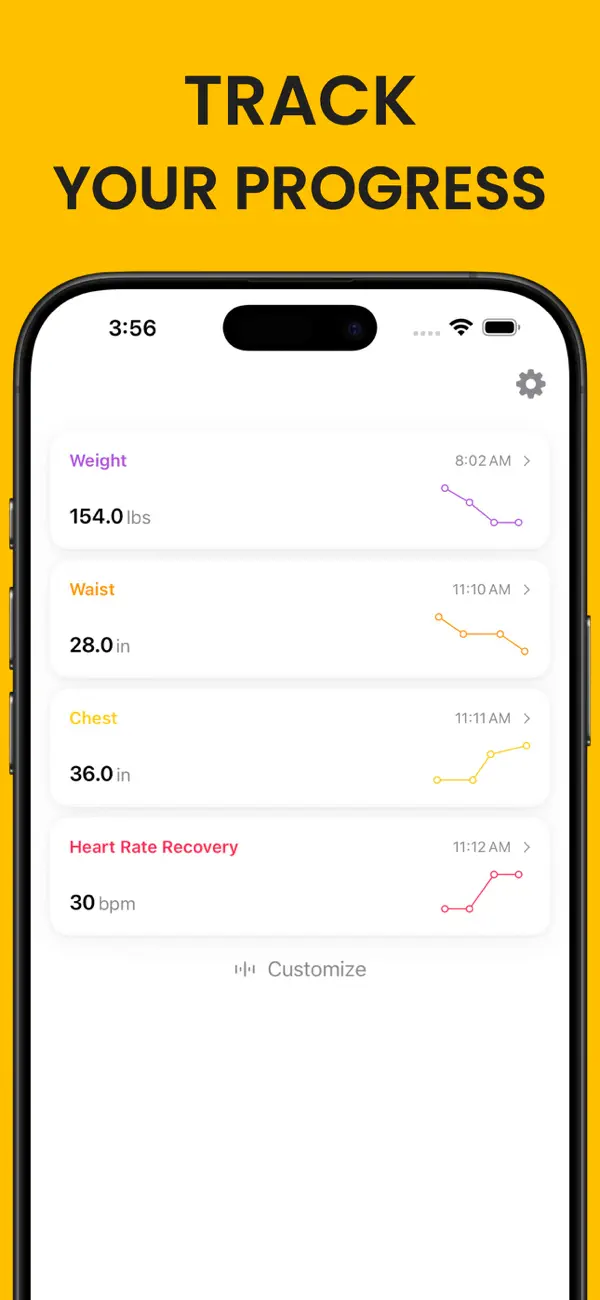
Body Measurements Tracker stores built-in and custom measurements and charts individual values and averages across several time ranges. You enter each measurement yourself.
Related reading: Body Measurement Chart vs Scale Weight · Custom Body Measurements You May Want to Track · How to Export Body Measurements to CSV.