
Why Sleep Tracker Data Changes From Night to Night
Learn why sleep duration and stages vary, how to review inconsistent data, and when a missing night may be a recording issue.
Short answer
Night-to-night changes can reflect real differences in sleep, normal estimation error, a loose or uncharged wearable, changed settings, or missing data. Check the recording source first, then compare longer trends instead of trying to explain every bar in one night.
The longer answer
Sleep is not identical each night, and a consumer tracker is not a direct view of the brain. Both biology and measurement affect the chart. If the result looks unusual, separate two questions: did the device record the night properly, and does the pattern continue across several nights? That prevents a one-off gap or estimate from becoming a bigger conclusion than it supports.
Check the recording before the interpretation
Confirm that the wearable had enough charge, fit as recommended, and was configured to track sleep. Then open Apple Health and check which app or device wrote the data.
If several sources write sleep records, their entries may overlap. Review the source list before assuming the night itself changed dramatically.
Expect some natural variation
Schedule, stress, illness, travel, substances, environment, and many other factors can change sleep. Stage estimates can also vary because the underlying signals are imperfect.
A single unusual chart is a note, not a trend. Compare similar days and look for changes that repeat.
Avoid fixing the score
It is easy to change several habits at once after a poor reading. That makes the next result harder to interpret and can add anxiety around sleep.
Keep your routine steady, record relevant context, and change one manageable thing when you have a clear reason to test it.
Using Sleep Tracker: Circadian
Review the night with its context
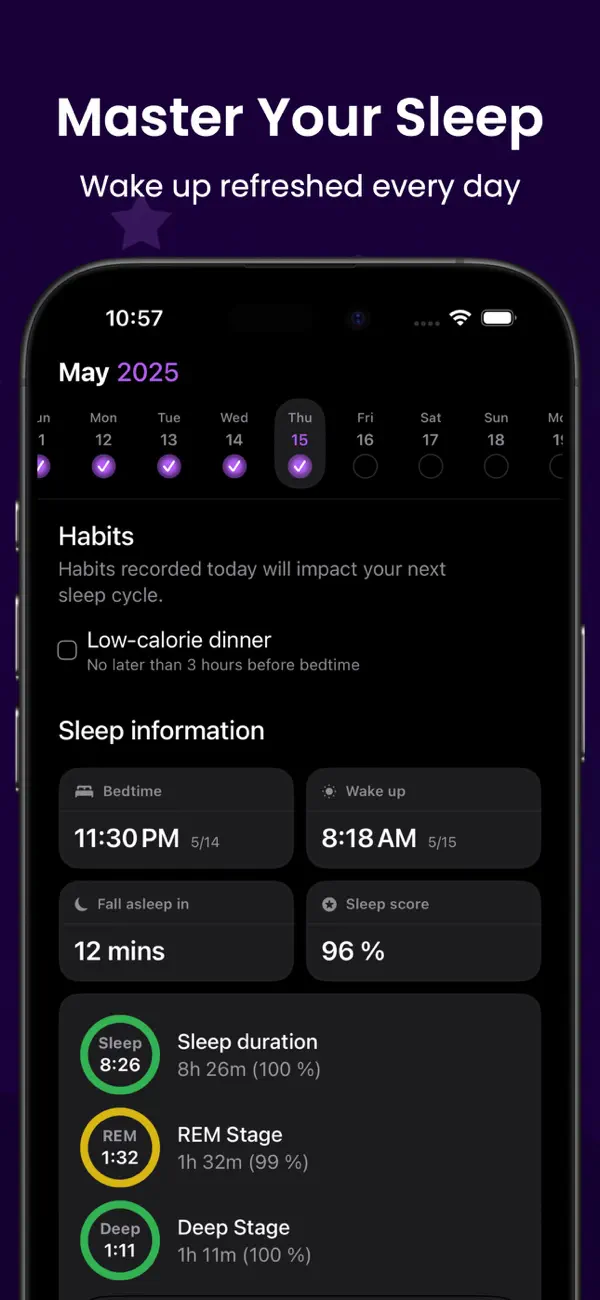
Circadian combines imported Apple Health sleep stages with the daily habits you choose to log. It does not alter or independently verify the source data.
- Source data remains in Apple Health
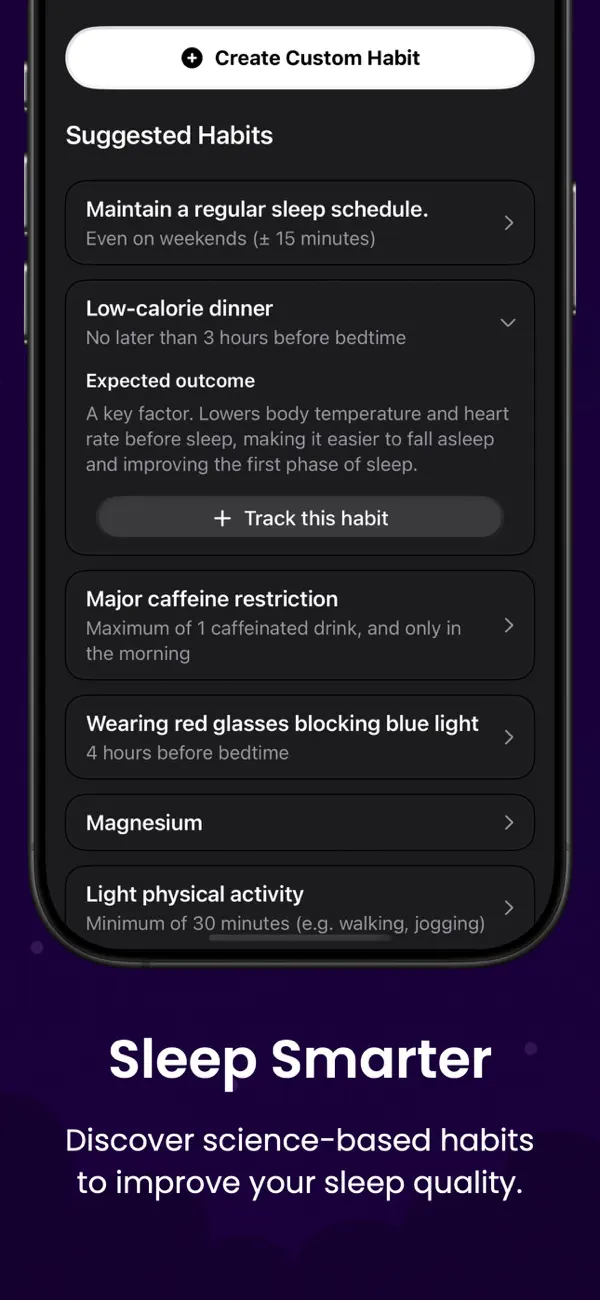
- Habit tracking is manual
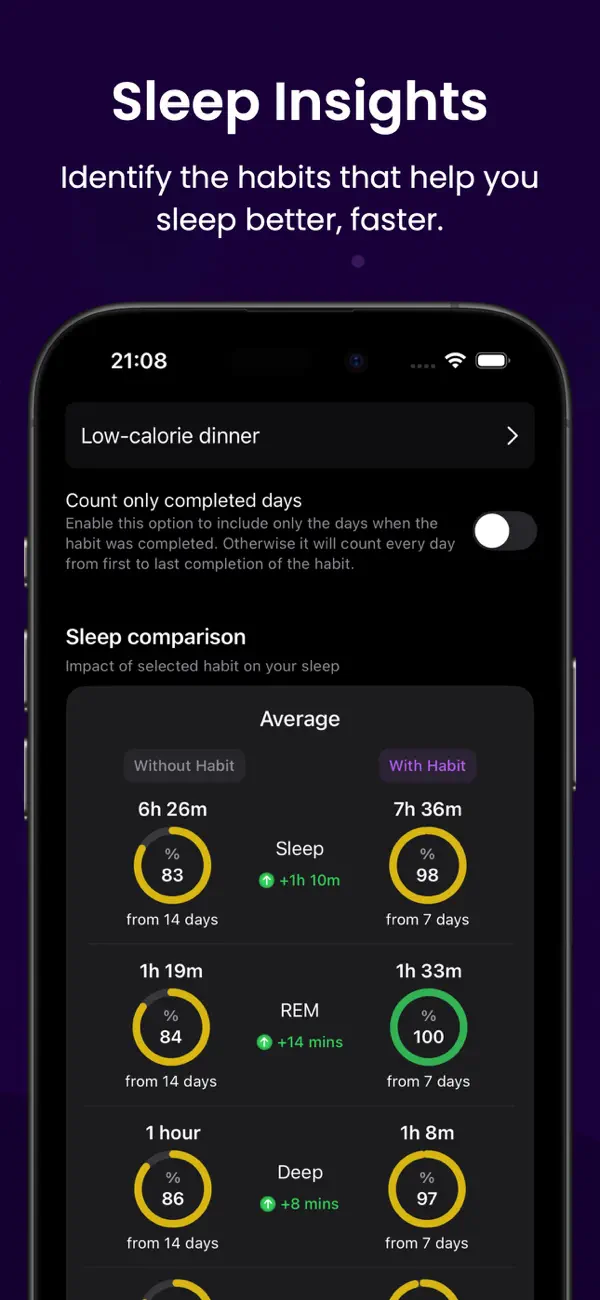
- Patterns are associations, not diagnoses
Record the context, then wait for a pattern before drawing a conclusion.


FAQ
Questions about this topic
Why is a whole night missing from Apple Health?
The device may not have recorded, synced, or met the conditions required by its sleep-tracking setup. Check the source app and device settings.
Why do two sleep apps disagree?
Apps may use different sensors, algorithms, definitions, and time windows.
Should I worry about one low sleep score?
One estimate rarely provides enough context. Persistent symptoms matter more than a single app score.
Keep reading
Related posts
Apple Health Sleep Stages: What the Data Can Tell You
Understand Awake, REM, Core, and Deep sleep in Apple Health, plus the limits of consumer sleep-stage estimates.
Read post sleep diary with Apple HealthHow to Keep a Sleep Diary With Apple Health Data
Add daily habit notes to Apple Health sleep stages and build a sleep diary that is useful without becoming a chore.
Read post habits to track for better sleep8 Habits Worth Tracking Alongside Your Sleep
Choose a manageable set of daytime and evening habits to record with sleep data, without turning the diary into a second job.
Read post