
Apple Health Sleep Stages: What the Data Can Tell You
Understand Awake, REM, Core, and Deep sleep in Apple Health, plus the limits of consumer sleep-stage estimates.
Short answer
Apple Health can display time Awake and in REM, Core, and Deep sleep when a compatible source records those stages. The chart is useful for viewing a longer pattern, but it is an estimate and is not equivalent to a clinical sleep study.
The longer answer
Sleep-stage charts can make a night easier to review, especially when you compare timing and duration over several days. They should not be read as a diagnosis or a precise measurement of brain activity. Consumer wearables infer sleep from signals such as movement and heart rate, while a clinical study uses more extensive measurements under professional supervision.
The stages shown in Apple Health
Awake marks periods the source identified as wakefulness. Core is Apple’s label for lighter non-REM sleep, while Deep describes slow-wave sleep and REM is the stage associated with rapid eye movement.
A normal night moves through stages more than once. The shape of a single chart can look messy without meaning that something is wrong.
Why context still matters
A stage chart does not include the late meal, unusual stress, travel, exercise, or caffeine that formed the rest of the day.
A brief habit record can help you remember those details when reviewing the week. It can suggest questions to test, but it cannot establish cause.
When not to rely on an app
Do not use stage estimates to rule out a medical condition or to change treatment. Persistent insomnia, breathing concerns, severe daytime sleepiness, or other symptoms deserve professional assessment.
The useful role of an app is organization: it keeps estimates and observations together so you can review them more calmly.
Using Sleep Tracker: Circadian
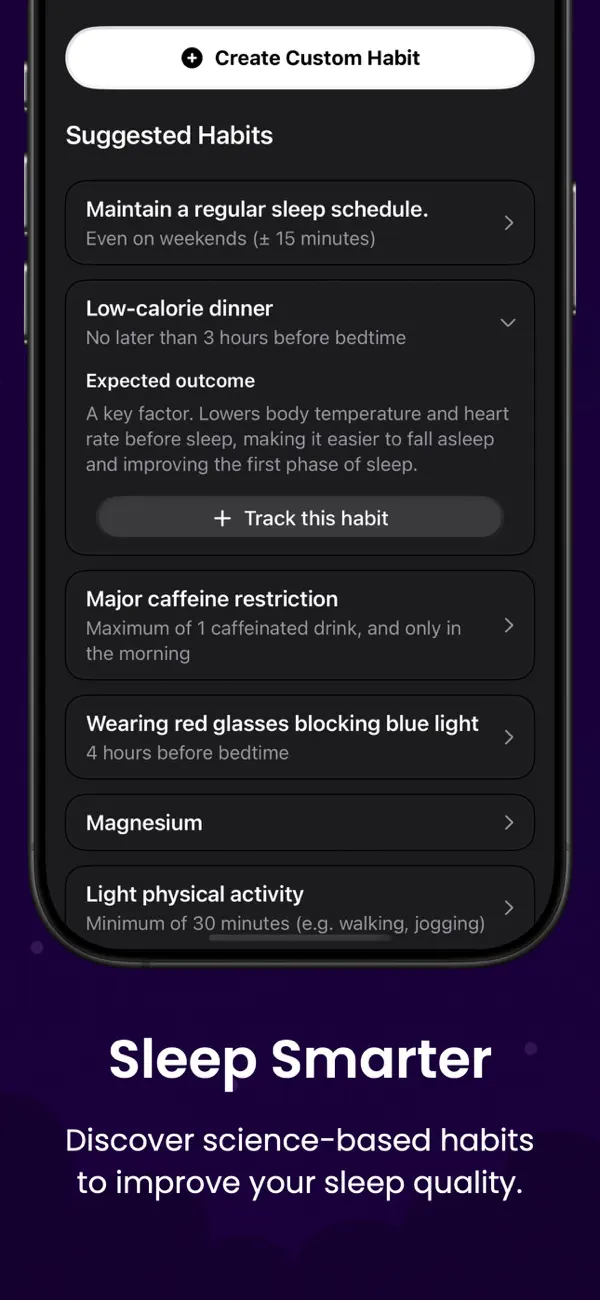
Add habit context with Circadian
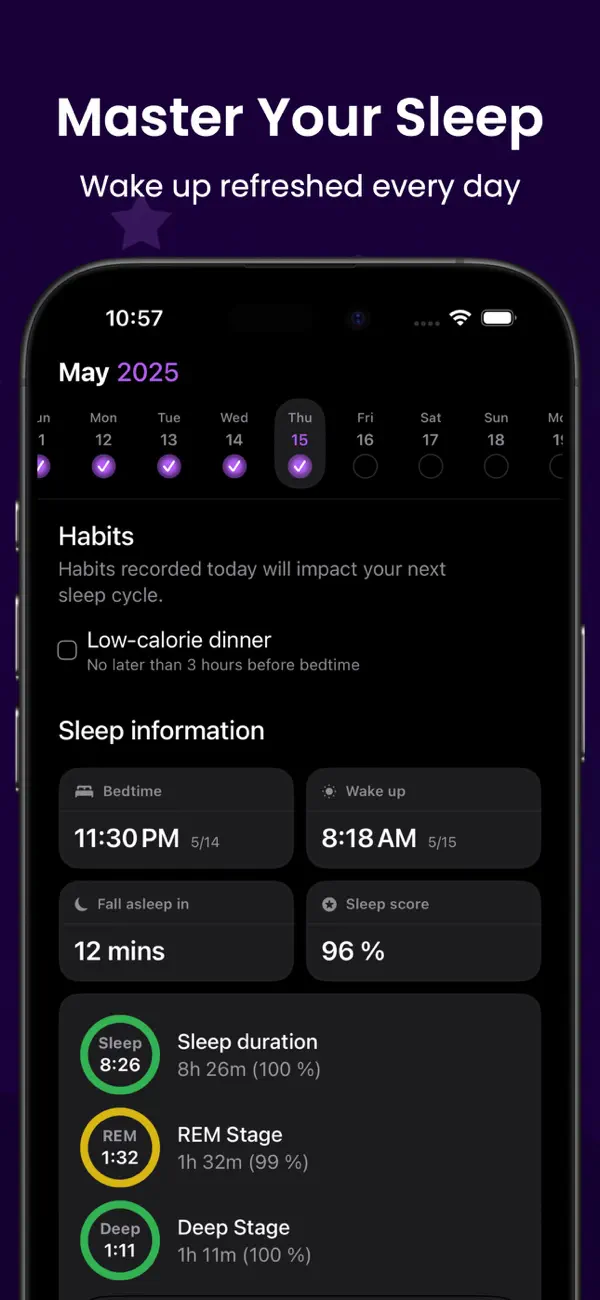
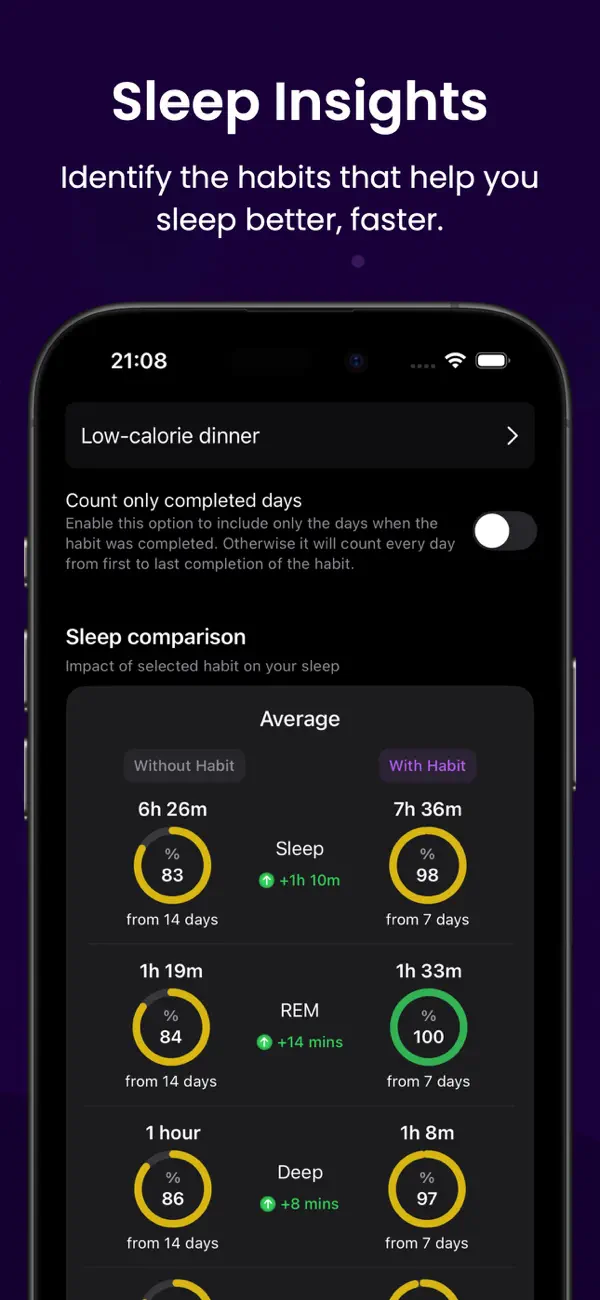
Circadian reads available sleep stages from Apple Health with your permission and places them beside the habits you record.
- Does not measure sleep itself
- Does not diagnose conditions
- Designed for reviewing patterns
Use sleep stages as context, not as a verdict on your night.


FAQ
Questions about this topic
Why do I sometimes see only time asleep?
The source that recorded the sleep may not provide stage data, or the available recording may not meet its requirements for stage estimates.
Is Core sleep the same as light sleep?
Core is Apple’s term for the lighter stages of non-REM sleep shown in its sleep-stage chart.
Can Apple Health diagnose sleep apnea?
A stage chart alone cannot diagnose sleep apnea. Seek professional advice if you have symptoms or concerns.
Sources and further reading
Keep reading
Related posts
How to Keep a Sleep Diary With Apple Health Data
Add daily habit notes to Apple Health sleep stages and build a sleep diary that is useful without becoming a chore.
Read post sleep tracker data changes every nightWhy Sleep Tracker Data Changes From Night to Night
Learn why sleep duration and stages vary, how to review inconsistent data, and when a missing night may be a recording issue.
Read post habits to track for better sleep8 Habits Worth Tracking Alongside Your Sleep
Choose a manageable set of daytime and evening habits to record with sleep data, without turning the diary into a second job.
Read post