Guide
Best Video Resolution for Still Photos: 1080p vs 4K
Compare 1080p and 4K video for still photos. Learn how source resolution affects extracted frame size, cropping room, and the detail you can save on iPhone.
Updated 2 min read

Frame Grabber is free to download.

Short answer
A 4K video contains larger frames than a 1080p video, so it usually gives you more room to crop or print. Resolution is only one factor. Focus, shutter speed, compression, and subject movement also affect the saved image. A 1080p frame is roughly two megapixels, while a standard 4K UHD frame is roughly eight megapixels.
A frame that looks fine in a message can turn soft when cropped tightly. The original video sets how many pixels you have to work with. Compare that source before spending time trying different export formats.
1080p and 4K by the numbers
| Source | Landscape frame | Pixels per frame |
|---|---|---|
| 1080p HD | 1920 × 1080 | 2,073,600, about 2.1 MP |
| 4K UHD | 3840 × 2160 | 8,294,400, about 8.3 MP |
These are standard landscape dimensions, with megapixels calculated by multiplying width by height. Portrait video reverses the dimensions. UHD has twice the width and twice the height of 1080p, giving four times as many pixels before cropping.
If you crop a UHD frame to half its width and half its height, the remaining area is 1920 × 1080. That extra room can help with framing. It won’t remove blur already present in the recording.
What video resolution tells you
Resolution describes the pixel dimensions of each recorded frame. More pixels can preserve finer detail and allow a tighter crop before the image looks soft.
The actual dimensions can vary by recording format and orientation. Check the exported file rather than assuming every video labeled 4K has the same shape.
Why the sharpest frame may be nearby
Video records a sequence of images. If a subject is moving, one frame may be blurred while the next is clear enough to use.
Move through a short stretch around the moment you want. Look at faces, text, and fine edges at full size before choosing the final frame.
Pick the source before the format
Start with the original video when possible. Copies downloaded from messaging or social apps may have been resized or compressed.
Export format affects storage and compatibility, but it cannot restore pixels removed before the file reached you.
Inspect the source frame by frame
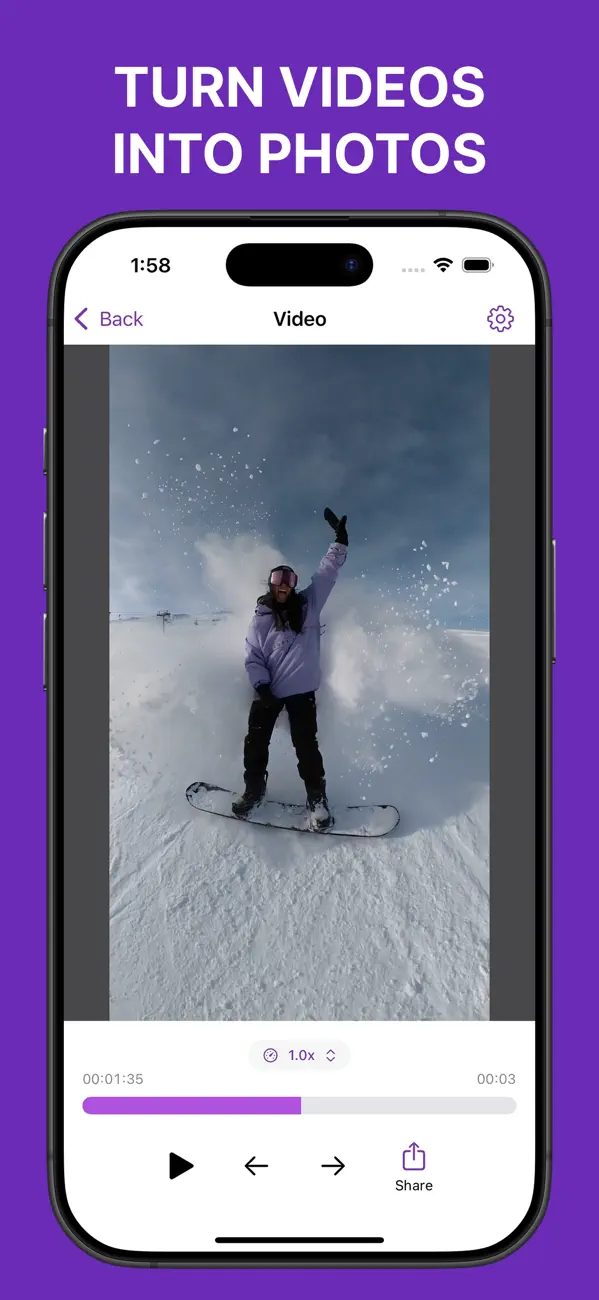
Frame Grabber helps you compare nearby frames from the original video before saving one. It does not upscale the result or apply generative enhancement.
Related reading: Video Screenshot vs Frame Extraction on iPhone · JPEG vs HEIF vs PNG for an Extracted Video Frame · How to Save a Live Photo Frame Without Changing the Original.